
Font Generator
Create stylish Unicode text designs that you can copy and paste across bios, captions, profiles, messages, and social platforms.
Live Preview
12/980 Styles
Find a Font Style by Mood
Choose the mood you want and discover font generators made for your style, profile, brand, or creative idea.
How Our Font Tools Work
Fontono makes stylish text creation simple. Type your words once, explore different looks, preview the result, and copy the style that fits your bio, caption, username, message, or creative project.
1
Type Your Text
Enter a name, phrase, caption, quote, username, or message into the Font Generator.
2
Soft
Bold
Dark
Retro
Explore Style Options
Browse different font moods and text styles designed for everyday creative use.
3
𝓕𝓸𝓷𝓽𝓸𝓷𝓸
Preview the Look
See how your styled text may feel before you copy it into a profile, post, or project.
4
✓ Copied!
Copy and Use Anywhere
Copy your favorite style and paste it into bios, captions, usernames, gaming names, messages, or designs.
Why Choose Fontono?
Fontono is built for people who want stylish text without clutter, confusion, or complicated design tools. It keeps the creative process fast, clean, and copy-ready.
✔ Free to Use
✔ No Signup
✔ Copy-Paste Ready
Clean Creative Experience
A focused interface that helps users create stylish text without distractions.
Fast Copy Workflow
Move from plain text to copy-ready style in seconds.
Mood-Based Discovery
Choose fonts based on feeling — soft, bold, dark, playful, retro, elegant, or experimental.
Real-World Use Cases
Create text for bios, captions, usernames, messages, gaming profiles, tattoo ideas, and creative concepts.
Mobile-Friendly Design
Use Fontono smoothly on desktop, tablet, or mobile.
No Setup Required
No font files, no downloads, no account creation — just type, preview, and copy.
What Are You Creating Today?
Start with your goal, then choose the best font generator for it.
I’m Styling a Bio
Recommended ToolsI’m Creating a Username
Recommended ToolsI’m Designing a Logo
Recommended ToolsI’m Making a Tattoo Design
Recommended ToolsI’m Creating Gaming Text
Recommended ToolsI’m Making Retro Text
Recommended ToolsPreview Fonts Before You Copy
See how your text may look as a bio, caption, username, or gaming name before you use it.
🦊
✨ 𝓒𝓻𝓮𝓪𝓽𝓲𝓿𝓮 𝓜𝓸𝓸𝓭 ✨
Making simple words feel unforgettable.
💬
꧁༺Fontono༻꧂
Online⚡
design.vibe
[ Preview Photo Layout ]
❤️ 💬 ✈️
452 likes
design.vibe 𝑵𝒆𝒘 𝒗𝒊𝒃𝒆𝒔, 𝒔𝒂𝒎𝒆 𝒅𝒓𝒆𝒂𝒎 ✦
Lobby Player Info
FONTONO⚡
Ping: 12ms
𝐅𝐎𝐍𝐓𝐎𝐍𝐎
Creative Agency
Loved by Everyday Creators
Fontono is made for people who want simple words to look more personal, expressive, and ready for the places they share them.
★
★
★
★
★
"Perfect for my profile bio."
I wanted something simple but stylish for my bio. Fontono made it easy to compare styles and copy the one that felt right.
★
★
★
★
★
"Great for gaming names."
I tested a few bold and decorative looks before choosing a display name. The preview made the process quick.
★
★
★
★
★
"Clean and easy to use."
Some font tools feel messy, but Fontono keeps the experience simple. Type, preview, copy — that's it.
★
★
★
★
★
"Helpful for quick ideas."
I use it when testing short names, captions, and creative text ideas before making graphics.
Sample feedback based on common creator use cases.
Search Font Generators by Name
Explore font tools by keyword, style, brand, platform, or creative theme.
Aesthetic Font Generator
Neon Font Generator
Newspaper Font Generator
Groovy Font Generator
Gothic Font Generator
Tattoo Font Generator
Instagram Font Generator
Discord Font Generator
Minecraft Font Generator
Harry Potter Font Generator
Barbie Font Generator
Calligraphy Font Generator
Old English Font Generator
Bubble Font Generator
Glitch Font Generator
Y2K Font Generator
No matching font generators found. Try another keyword!
A Font Generator Built for Creative Flow
Fontono helps users move from idea to copy-ready text quickly, whether they are creating a bio, username, logo idea, tattoo preview, gaming name, or social caption.
Many Styles in One Place
Explore classic, fancy, retro, gothic, gaming, social, and brand-inspired font tools all from a single hub.
Fast Copy Experience
Generate and copy stylish text without extra steps or distracting popups. Just click to copy.
Organized by Intent
Find fonts by mood, platform, purpose, or theme with our tailored navigation paths.
Mobile-Friendly Design
Create gorgeous typography on the go with an interface optimized for touch devices.
Great for Inspiration
Use font styles to test names, captions, slogans, and creative branding concepts instantly.
No Signup Needed
No login, passwords, or credit card forms. Simple, fast, and completely free for everyday use.
Latest Font & Styling Guides
Read simple, practical guides about changing fonts, styling text, and using typography better across apps, websites, and documents.
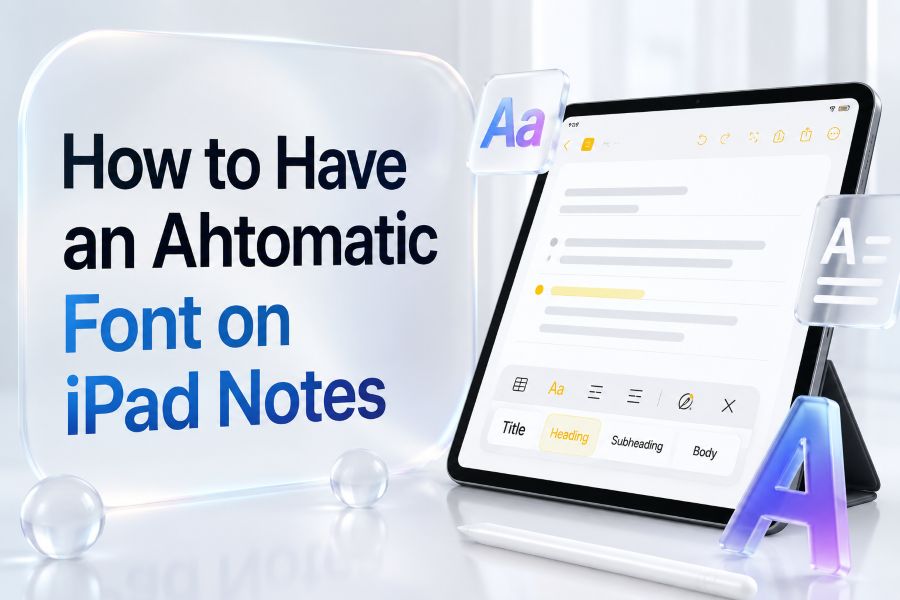
Apple Notes
How to Have an Automatic Font on iPad Notes
Learn what iPad Notes allows, what it does not, and the best workarounds for consistent note formatting.
Read More →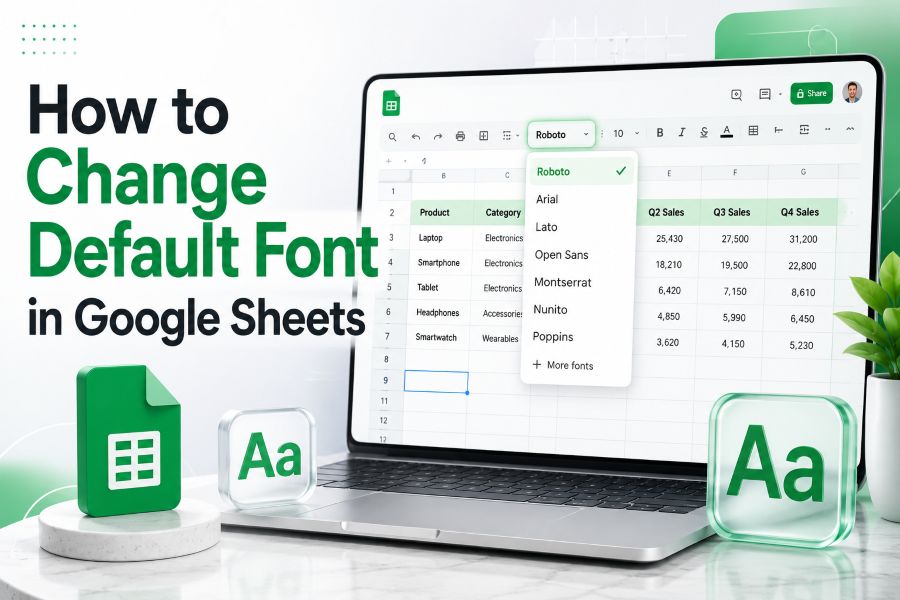
Google Sheets
How to Change Default Font in Google Sheets
See how to update spreadsheet fonts, use themes, and create reusable formatting templates.
Read More →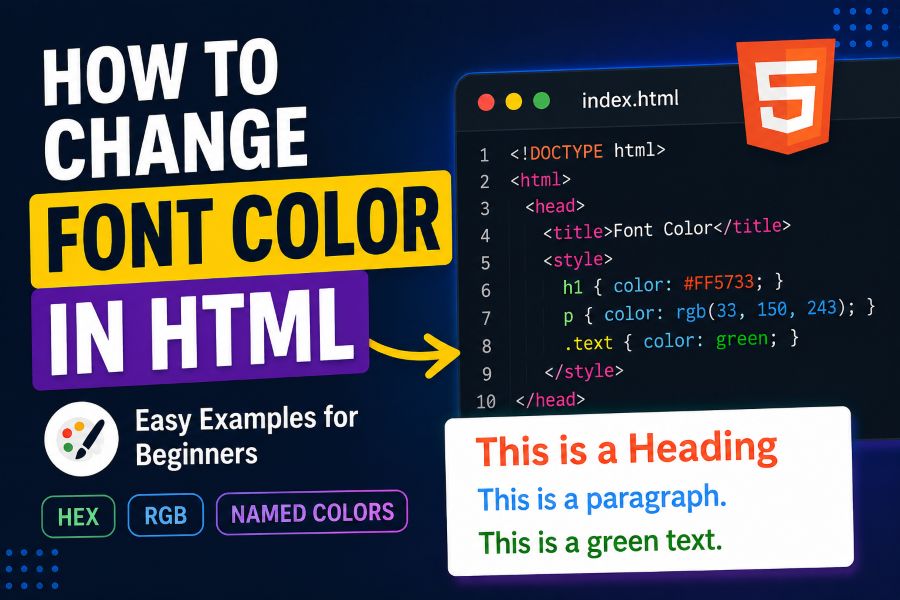
HTML & CSS
How to Change Font Color in HTML Easily
A beginner-friendly guide to changing text color with CSS, hex codes, RGB, and reusable classes.
Read More →
PowerPoint
How to Change Default Font in PowerPoint
Learn how to use Slide Master, theme fonts, Replace Fonts, and templates for consistent slides.
Read More →Font Generator FAQs
Yes, Fontono is 100% free to use for generating stylish fonts online. You can copy as many styles as you need without signup or limit.
No. Fontono generates standard copyable Unicode-style characters and font-inspired text previews. You can paste them directly into social media text boxes or text editors without installing file assets.
Yes! Almost all generated styles are compatible with popular social networks. You can copy and paste the text directly into your Instagram bio, TikTok descriptions, comments, and gaming names.
Some specialized Unicode symbols and characters are not fully supported by older devices, browsers, or certain social media platforms. If a font style shows up as empty boxes (tofu blocks), it means that specific system lacks support for those Unicode characters.
Yes, Fontono offers dedicated landing pages optimized for specialized design aesthetics—such as neon, newspaper, groovy, aesthetic, gothic, tattoo, gaming, and social media text generators.
Gaming, aesthetic, gothic, bubble, and symbol generators are extremely popular choices for constructing memorable, eye-catching usernames for Discord, Roblox, Minecraft, Steam, and Instagram.
Start Creating Fonts with Fontono
Choose a font mood, explore your favorite style, and copy beautiful text for bios, captions, usernames, logos, gaming names, and creative projects.
Free, fast, and made for stylish text creation.